Show File Path
You can check the file path of the schedule file currently opened in the active window.
To display the path, choose
[File] » [Show File Path...]
from the menu. A dialog box like the one below will appear, showing the file path.
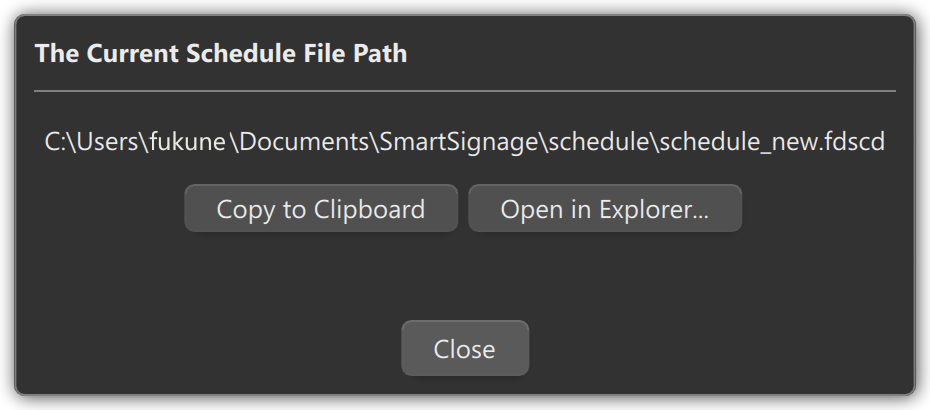
Click Copy to Clipboard to copy the file path to the clipboard.
Click Open in Explorer… to open the folder containing the file in File Explorer.
Click Close to close the dialog box.